The term "AI agent" gets used loosely these days, sometimes to describe anything with a chat window and an API key. But there's a real, useful distinction underneath the hype, and understanding it will help you figure out which tools actually solve your problem and which ones are just chatbots wearing a trench coat.
What "AI Agent" Actually Means
A plain language model answers a question and stops. You ask ChatGPT to draft an email, it drafts the email, and the interaction ends. An AI agent is different: it's a system built around a language model that can take multiple steps toward a goal, decide what to do next based on the results of its own previous actions, and use external tools along the way — searching the web, running code, calling an API, editing a file, clicking through a website.
The key word is "autonomy," but it's autonomy within a loop, not free-roaming independence. A typical agent loop looks like this: the model receives a goal, decides on an action, executes that action through a tool, observes the result, and then decides on the next action — repeating until the goal is met or it hits a limit. This is sometimes called the "think-act-observe" cycle, and it's the architectural backbone of nearly every agent product on the market today.
The Difference Between a Chatbot and an Agent
A chatbot is reactive and single-turn in spirit, even if the conversation has many turns — you ask, it answers, you ask again. It has no persistent plan and no ability to act on the world beyond generating text back to you.
An agent has three things a chatbot typically lacks:
- A goal that spans multiple steps. "Refactor this function so the tests pass" requires reading code, editing it, running tests, reading the failure output, and editing again — not one response.
- Tool access. The model can call functions: run a shell command, query a database, browse a webpage, send an email. This is what turns "I would suggest doing X" into "I did X."
- Some form of memory or state tracking across the steps of a task, even if that memory only lasts for the duration of the session.
This is why coding assistants are one of the clearest real-world examples of agents in production. A tool like Claude Code doesn't just suggest a diff — it reads your repository, plans an approach, edits files, runs your test suite, reads the output, and iterates until the tests pass or it needs your input. That loop is the agent. If you want a deeper look at how this plays out specifically in software development, we cover it in our piece on the rise of AI coding agents.
Core Components of an Agent
Perception and Input
Before an agent can act, it needs to understand its environment: the contents of a file, the text on a webpage, the schema of a database, the output of a command it just ran. This "perception" step is often just feeding text back into the model's context window, but it's the foundation everything else depends on — an agent that misreads its environment will confidently take the wrong action.
Planning and Reasoning
Given a goal, the model has to break it into steps. Modern agent frameworks often make this planning step explicit, sometimes prompting the model to write out a short plan before acting, or breaking a big task into sub-tasks that get tackled one at a time. This is also where things go wrong most often — a model can plan confidently and be wrong, which is why good agent systems build in checkpoints, especially for actions that are hard to undo.
Tool Use
This is the part that actually connects the model to the real world. Tools can be as simple as a calculator or web search, or as consequential as sending money, deleting files, or posting to social media. Platforms like Zapier AI and Make are essentially tool libraries and orchestration layers — they give an agent (or a human-configured automation) a huge menu of things it can plug into, from CRMs to spreadsheets to messaging apps. If you're comparing automation platforms for this purpose, it's worth reading how Zapier AI stacks up against Make, since they take somewhat different approaches to visual workflow building versus AI-assisted setup.
Memory
Short-term memory in an agent is usually just the context window — everything relevant to the current task gets kept in view. Some agents also have longer-term memory: a record of past interactions, user preferences, or prior task outcomes that gets retrieved and injected into context when relevant. This is what lets a scheduling agent like Reclaim AI learn your habits over weeks rather than starting fresh every session, or a browser-automation agent like Bardeen remember the steps of a workflow you've built once and reuse it indefinitely.
Real Examples of AI Agents Today
Coding Agents
Coding is the domain where agents have matured the fastest, largely because the feedback loop is unusually clean: you can run a test suite and get an unambiguous pass/fail signal. That makes it easy for an agent to self-correct without a human in the loop for every step. Beyond Claude Code, tools in this category read your whole codebase, make multi-file changes, and verify their own work before handing control back to you.
Browser and Workflow Agents
Some agents operate a browser directly — filling out forms, navigating multi-page flows, scraping data — rather than calling clean APIs. This is inherently messier than coding agents because websites aren't designed to be machine-readable, but it's a fast-growing category because so much of business software still lives behind a browser UI with no API at all.
Scheduling Agents
A scheduling agent like Reclaim AI takes a different, narrower approach: instead of general-purpose autonomy, it has one job — negotiating your calendar — and it does that job by understanding priorities, deadlines, and constraints, then automatically moving events around. It's a good example of a "narrow agent," which trades generality for reliability. If you're evaluating this category, Reclaim AI vs Motion is a useful comparison since both tools tackle the same problem with different philosophies.
Customer Support Agents
Support is another area where narrow, well-scoped agents have proven themselves quickly. Instead of a static FAQ bot that matches keywords, a modern support agent built on a knowledge base can actually resolve a ticket end to end: look up an order, check a policy, issue a refund within pre-approved limits, or escalate to a human when the situation falls outside its defined boundaries. The agent behavior here — deciding which of several possible actions to take based on what it finds — is the same underlying pattern as a coding agent deciding which file to edit next, just applied to a completely different domain. That reusability of the core loop across wildly different jobs is part of why the "agent" label has spread so far, so fast.
Agentic vs Single-Turn AI: Why It Matters
The practical reason this distinction matters is risk and trust calibration. A single-turn tool that drafts an email is low-stakes — you read the draft before sending it. An agent that has been given permission to send emails, deploy code, or spend money is a different risk profile entirely, because mistakes can compound across steps before a human ever sees them.
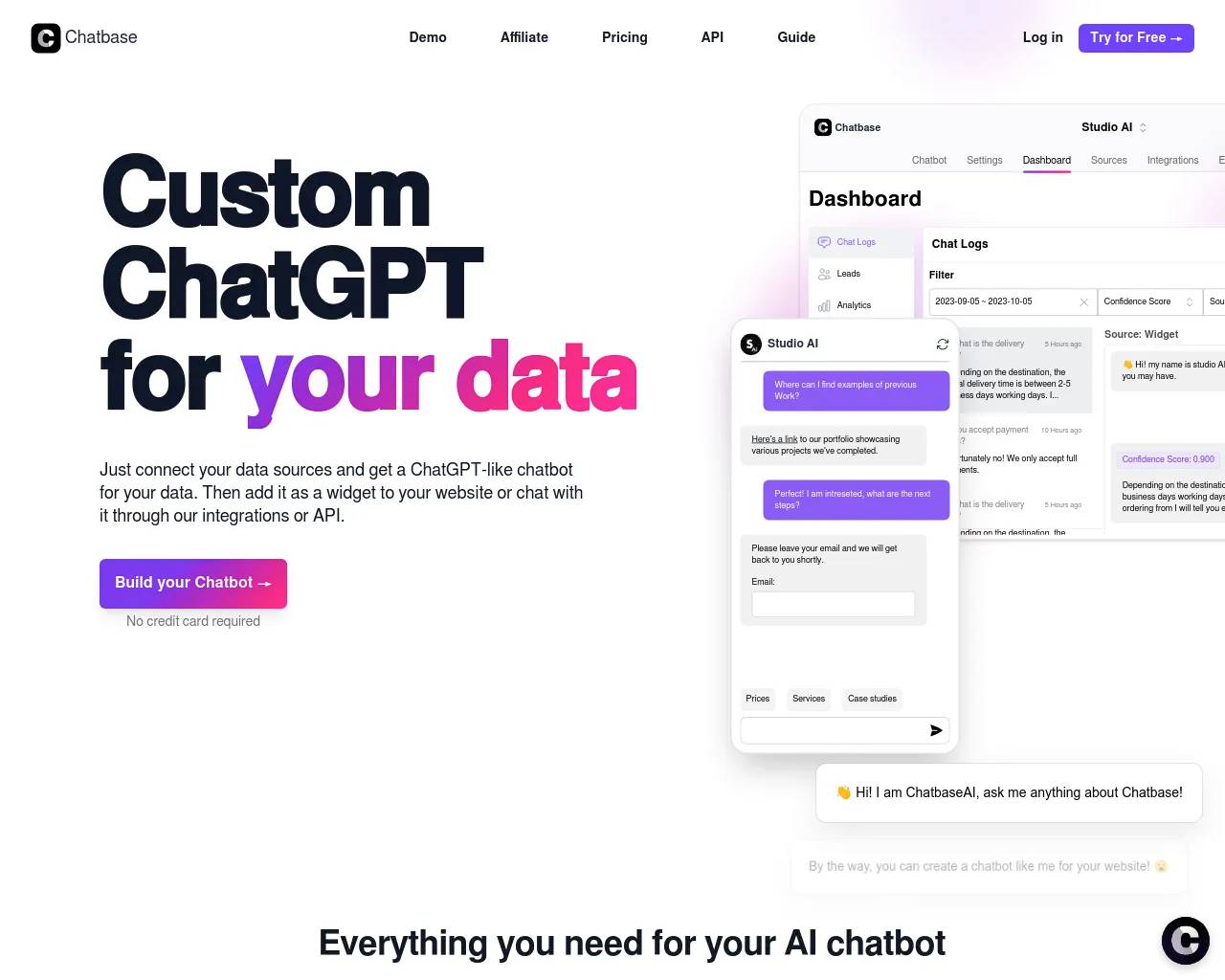
This is why the best agent products are thoughtful about permissions. Coding agents typically ask before running destructive commands. Automation platforms let you approve each new integration. Customer-support agents built on a platform like Chatbase are usually scoped tightly to a defined knowledge base and a set of pre-approved actions, rather than given free rein over a company's systems.
Limitations and Risks
Agents fail in a few predictable ways. They can misinterpret ambiguous instructions and confidently execute the wrong plan. They can get stuck in loops, repeating a failed action with small variations that never actually fix the underlying problem. They can also be tricked by malicious content encountered while browsing or reading documents — a technique known as prompt injection, where text in a webpage or file contains hidden instructions the agent follows as if they came from the user.
None of this means agents are unsafe to use — it means they need appropriate scoping and oversight, the same way you wouldn't hand a new employee your admin password on day one. The tools that are winning trust right now are the ones that make their actions visible and reversible, not the ones promising the most autonomy. A well-designed agent shows its work: which files it touched, which commands it ran, which web pages it visited, so a human reviewer can catch a bad decision before it becomes a bad outcome rather than after.
Cost and speed are also practical constraints worth knowing about. Every step in an agent's loop — every observation, every tool call, every re-read of a file or webpage — consumes tokens and takes time, so a long, winding agent task can be slower and more expensive than a human doing the same thing quickly by hand. This is why well-built agents try to be efficient about how many steps they take, and why narrow, well-scoped agents tend to be both cheaper and more predictable than open-ended ones asked to "figure it out."
How to Start Using AI Agents
If you're new to this category, the easiest entry points are narrow, well-scoped agents rather than general-purpose ones. Try a coding agent on a small, low-risk repository. Try an automation platform on a single workflow you already do by hand every week — most automation platforms offer free tiers that are enough to test whether an automation actually saves you time before you commit to it. Try a scheduling agent for a couple of weeks and see whether its calendar decisions match your actual priorities. You'll build intuition for what "good" agent behavior looks like — and where you still want a human checking the output — much faster than by reading about it.
A useful habit as you evaluate any agent product is to ask three questions before giving it more autonomy: What's the worst plausible outcome if it gets this task completely wrong? How would I even notice if that happened? And how hard would it be to undo? Tasks that score well on all three — reversible, visible, low-stakes — are exactly where you should start, and where most agent products genuinely deliver value today.
The Bottom Line
An AI agent is not a smarter chatbot; it's a different architecture, built around a loop of reasoning, acting, and observing, with access to real tools that let it change things in the world rather than just describe them. That's genuinely powerful, and genuinely different from what came before — which is exactly why it's worth understanding the mechanics rather than just the marketing term.